Edit Vuttons
Set segments from a loaded video as easily as using a video editing tool. Use AI to explore different candidate segments with less effort.
Loading...
Vutton Uploader
Load a video, easily set the segment, and continue all the way to uploading it to Vutton.
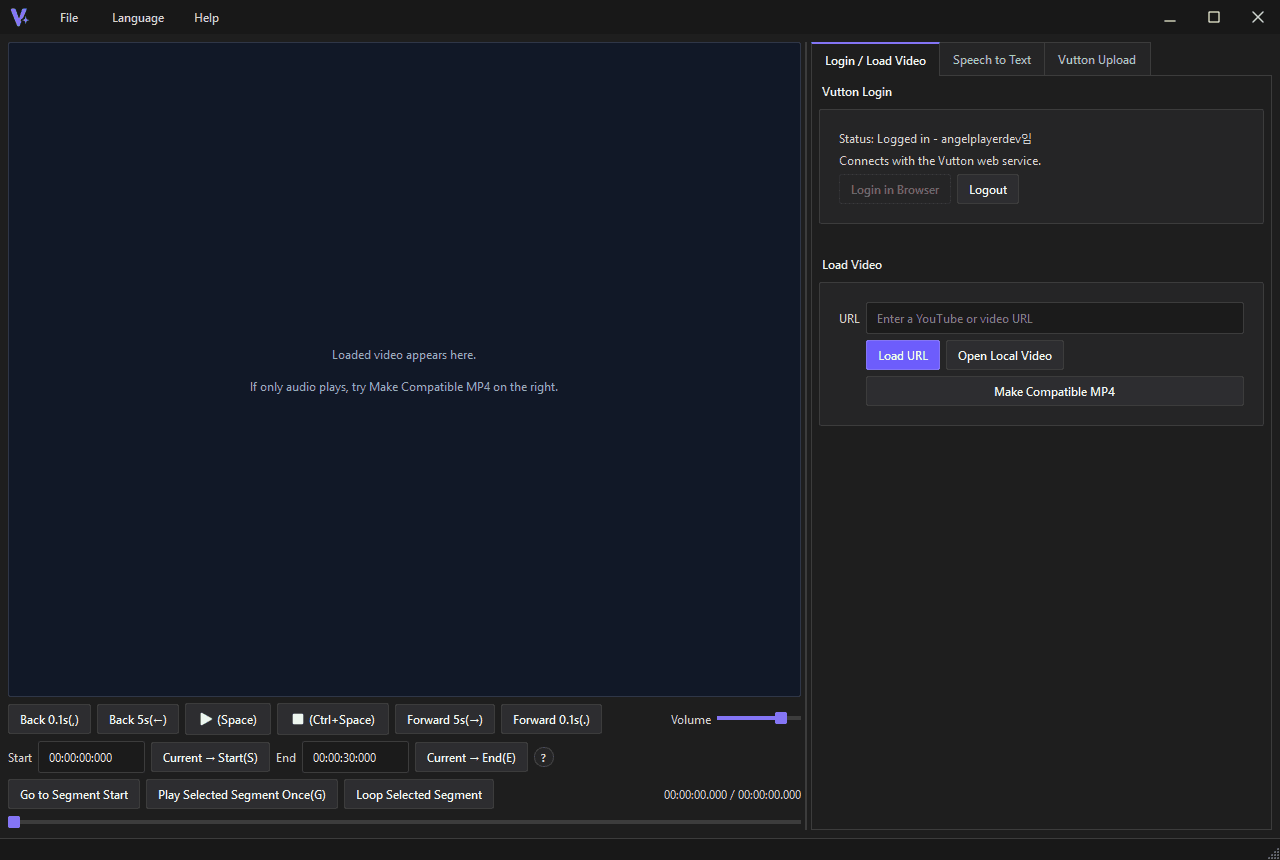
Key Features
Review a video, cut the segment, organize title and source data, and prepare the Vutton upload from the desktop app.
Set segments from a loaded video as easily as using a video editing tool. Use AI to explore different candidate segments with less effort.
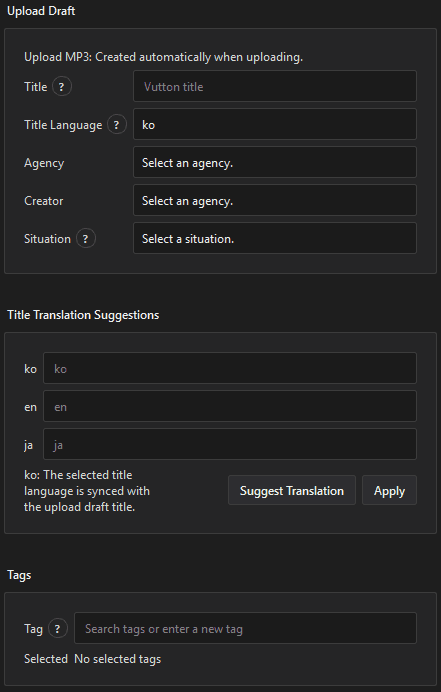
Get editable ko/en/ja title suggestions based on the title you enter.
Enter Vutton information more easily with automatic tag input and related helpers. Videos loaded from YouTube automatically include source attribution.
Connect the desktop app with the web service and upload Vuttons with less effort.

Sign in easily through the connected Vutton website.
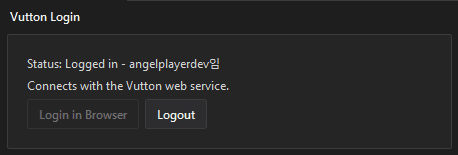
Open a YouTube URL or local video file and find the segment you want to upload.
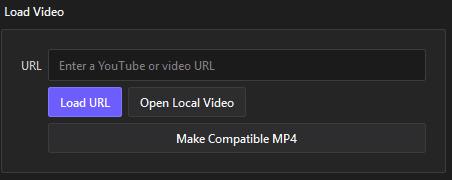
Adjust the start and end time for the Vutton.

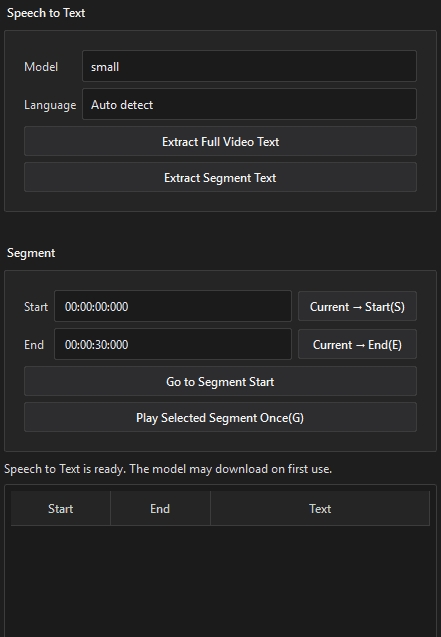
Use AI to extract speech text from the video.
Upload a Vutton after choosing the segment you want.
Additional tools
The app is designed to finish uploads faster while keeping source and rights checks visible.
Normalizes time input and applies the current playback position to start or end.
Stores video title, channel, platform, and source start/end time.
Receives a desktop token through web login without storing OAuth secrets.
Shows existing tags in blue and newly added tags in orange.
Checks guidelines, Creator policy, and upload rights before upload.
Uses the saved refresh token to sign in again on app launch.